Digital Payments
How can I check if my UPI app has a 'request money' feature enabled for strangers?
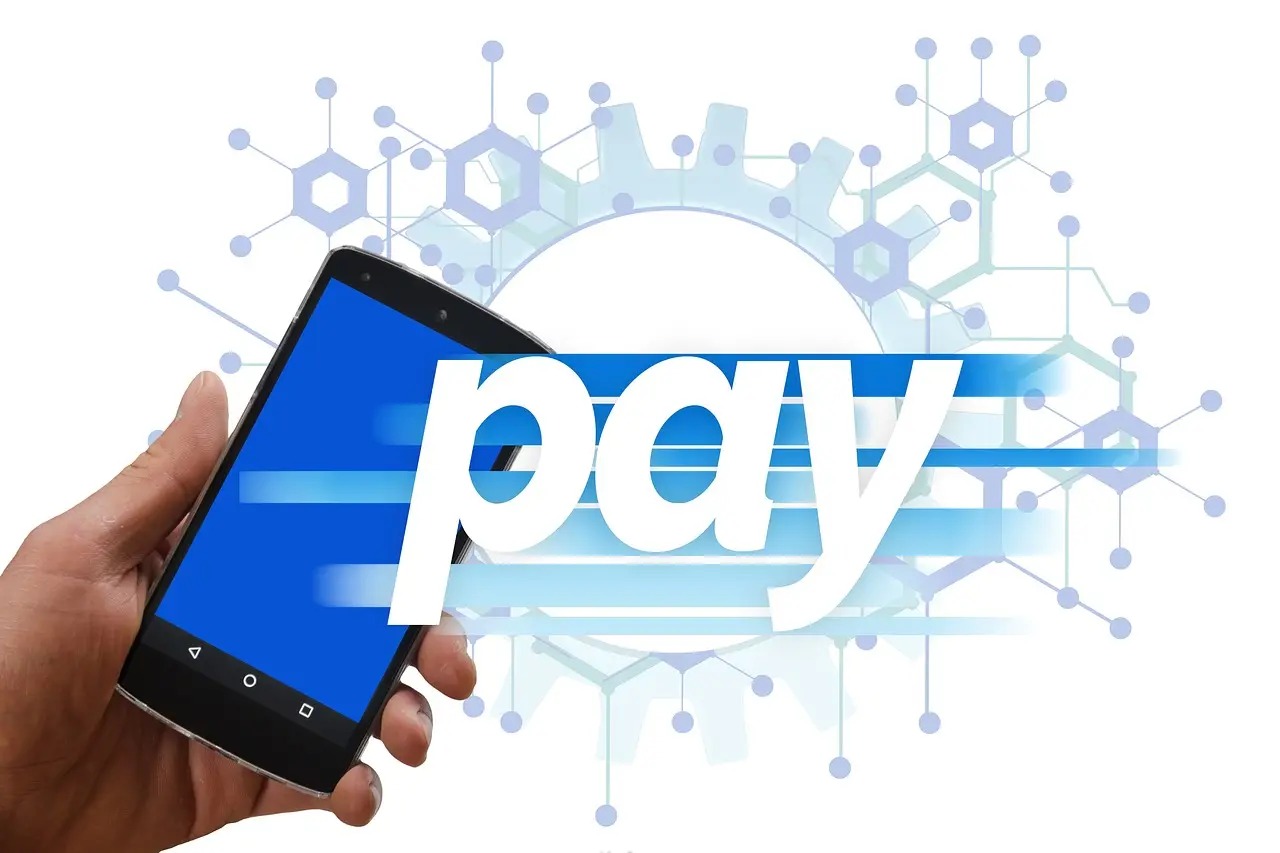
Learn how to manage incoming payment requests on your UPI app. Protect your bank account from unsolicited fraud by restricting requests to known contacts only. This guide explains how to secure your profile and identify fake requests to keep your money safe in your bank account at all times.
Quick answer: Most UPI apps do not have a specific 'on/off' switch for incoming requests from strangers, but you can manage this by checking your privacy settings. You should never approve a request if you are not expecting money from that specific person.
Many people think that receiving a payment request is the same as receiving money. This is a common mistake that leads to many fraud cases. Understanding how these requests work is the first step in keeping your account safe.
Simple details
- UPI requests are meant for people you know, like friends or family members.
- Approving a request always involves entering your secret UPI PIN.
- Entering your PIN authorises money to leave your account, not enter it.
- Most apps group requests under a 'Pending' or 'Collect' section in your dashboard.
- You can report suspicious requests directly through the app's help menu.
- Always verify the sender's identity before you proceed with any action.
Understanding the request money feature
The 'request money' feature allows a user to send a notification to your phone. It asks you to pay a specific amount to them. When you open this notification, the app shows you the amount and the name of the person asking for money. If you tap 'Pay', the app will ask for your PIN. This is where the danger lies for many users.
For instance, a small business owner in Madurai might receive a request for an amount they are expecting from a customer. If they do not look closely at the sender's name, they might accidentally pay the customer instead of receiving money. Always verify the sender's identity before you proceed with any action.
Suppose you are selling old furniture online. A buyer tells you they will pay via UPI and sends a 'request' for the same amount. If you tap pay and enter your PIN, you are actually paying the buyer. This is a common trick used to steal money from unsuspecting sellers.
Why stranger requests are a risk
Scammers often send random requests to thousands of people at once. They hope someone will be distracted and tap 'Pay' without thinking. This is a common fake UPI collect request tactic. They might use names that sound like official bank support or government agencies to trick you.
If you receive a request from someone you do not know, ignore it. Do not reply, do not call the number, and certainly do not tap 'Pay'. If you are worried about your account settings, check your screen lock protection to ensure that only you can access your payment apps.
These requests are risky because they bypass your usual payment flow. By sending a request, the scammer forces the payment interface onto your screen. You must remain alert and treat every notification as a potential risk until you confirm the source.
Suppose you get a notification claiming to be from your electricity provider asking for a bill payment. If you did not initiate this from the official portal, it is likely a scam. Never trust a payment request that arrives out of the blue on your phone.
How to manage your privacy settings
While there is no global 'block strangers' button, you can manage your profile visibility. Open your UPI app and look for the 'Profile' or 'Settings' tab. Check if there is an option to hide your mobile number or UPI ID from people who are not in your contact list.
- Open your UPI app and tap on your profile icon.
- Look for 'Privacy' or 'Security' settings.
- Check if 'Discoverability' or 'Contact Sync' can be restricted.
- Review any linked accounts to ensure they are correct.
- Remove any unknown UPI IDs if you find them in your address book.
Managing these settings is important because it limits how people find you. If your profile is set to public, anyone with your number can send you a request. Restricting this visibility reduces the number of spam requests you receive daily.
Suppose you find an unknown UPI ID in your settings list. This could be a legacy ID from an old account or a sign that your settings are too open. Delete any IDs you do not recognise to keep your account clean and secure.
Reality check
Security features in apps change often. Sometimes, an update might reset your privacy settings to the default, which is usually 'public'. You should check these settings once every few months to be sure. Also, remember that no bank will ever ask you to pay them money through a UPI request to 'verify' your account or 'receive' a refund.
Regular audits of your account settings provide peace of mind. Technology is not foolproof, and human error remains the biggest vulnerability. By staying proactive, you ensure that your financial information remains private and protected from unauthorised access.
Suppose you receive a message saying your bank account will be blocked unless you pay a small fee. This is a classic scam. Banks do not operate this way, and they will never send you a payment request for account maintenance.
Who this is for and who should skip
This guide is for anyone who uses UPI for daily transactions. It is especially useful for:
- Small shop owners who receive many payments from different people.
- Students or first-time digital payment users.
- People who want to improve their overall cyber safety.
You should skip this if you are already confident in identifying fake requests and have your app security settings reviewed regularly. If you are a power user who manages multiple business accounts, you might need more advanced digital business tools to keep your finances organised.
Understanding these risks is vital for everyone. Whether you manage a large business or just pay for groceries, the principles of safety are the same. Do not assume that an app is protecting you from all possible bad actors.
Suppose you are a freelancer who receives payments from clients across India. You should maintain a dedicated UPI ID for business that is separate from your personal ID. This helps you track payments and reduces the risk of mixing personal and professional transactions.
Quick checklist before you use UPI
- Check the sender's name carefully before tapping any notification.
- Never enter your PIN unless you are the one sending money.
- Ignore requests for amounts you are not expecting.
- Report any suspicious requests using the 'Report' button in your app.
- If you have been cheated, contact your bank or local authorities immediately.
- Review your transaction history regularly to spot any errors.
This checklist serves as your first line of defence. Following these steps every time you open your app will build a habit of safety. A few extra seconds of verification can save you from significant financial loss.
Suppose you are in a hurry at a busy tea shop. Take a moment to breathe before you tap any button on your phone. Rushing leads to mistakes, and scammers count on your haste to get you to pay them.
Frequently asked questions
Does 'request money' mean I am getting paid?
No, it means someone is asking you to pay them. You only pay when you enter your UPI PIN.
Can I block a specific person from sending me requests?
Most apps allow you to block a user after you receive a request from them. Look for the 'Block' option in the request notification details.
What if I accidentally paid a stranger?
Contact your bank immediately and report the transaction on the app. You can also file a complaint on the national cybercrime portal.
Do I need to pay a fee to receive money?
No, receiving money on UPI is always free. Anyone asking for a 'processing fee' to send you money is likely a scammer.
Can I see who sent me a request before I open it?
Yes, most apps show the sender's name or UPI ID in the notification banner. If the name looks suspicious or generic, do not open the request at all.
Is it safe to share my UPI ID with strangers?
Sharing your UPI ID is generally safe for receiving money, but be careful who you share it with. Only share it with people or businesses you trust for legitimate transactions.
Verdict
Your safety depends on your habits, not just the app settings. Always verify the sender before you touch your screen. If you are unsure about a request, simply delete it and move on with your day.
Building secure habits takes time, but it is necessary for digital safety. You are the final authority on who gets money from your account. Use that power wisely to keep your hard-earned money safe.
Summary
- UPI requests require your PIN to send money, not to receive it.
- Always check the sender's name before taking any action.
- Restrict your profile visibility in your app's privacy settings.
- Contact your bank or local authorities if you suspect fraud.
- Stay alert and never rush when using your banking apps.