Cyber Safety
How can I safely share my phone number on WhatsApp without risking OTP scams?
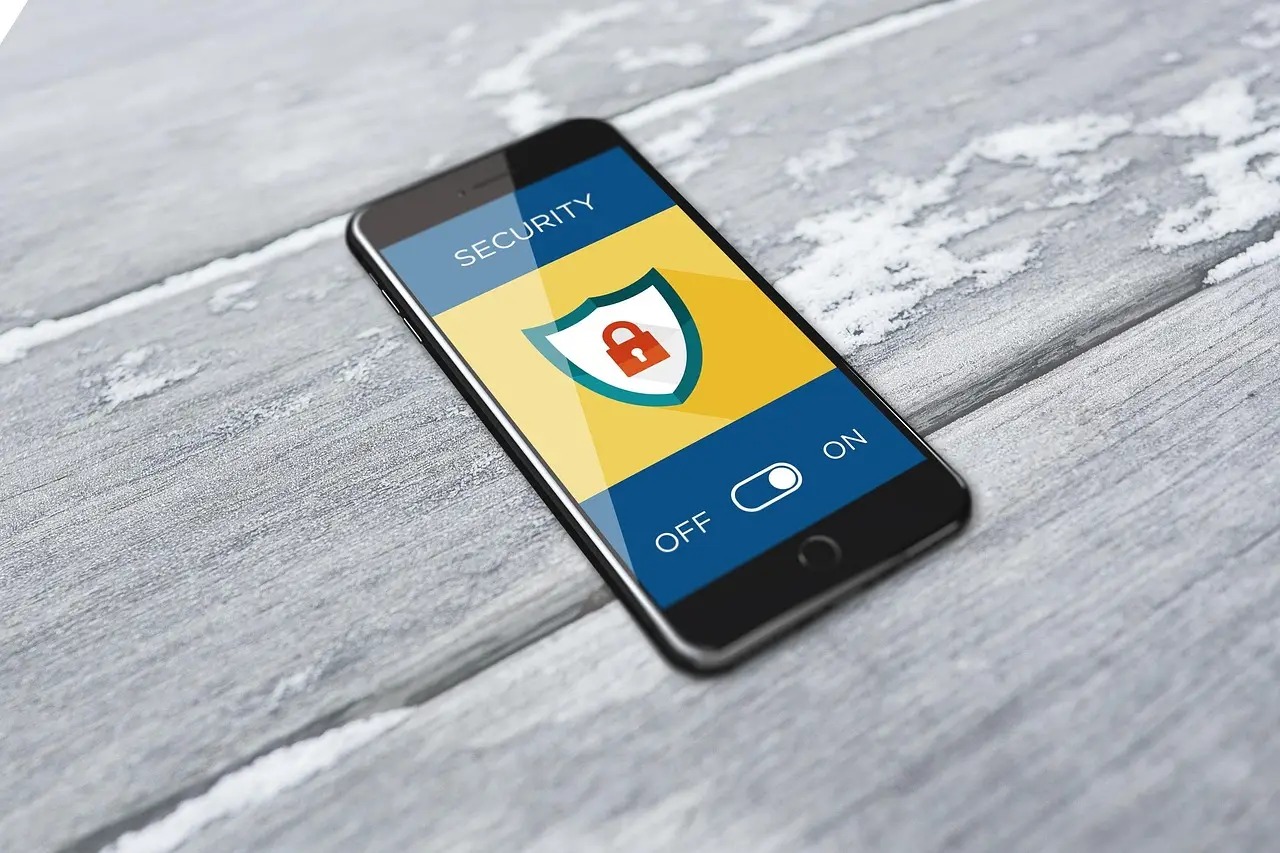
Learn how to block OTP scams, enable two‑step verification, set privacy controls and recover a hijacked account, so you can share your WhatsApp number for business or groups without fear.
Quick answer: Do not forward any WhatsApp verification code, enable two‑step verification, and set your privacy options so only people you trust can see your profile. With these steps you can give out your number for work or groups without letting scammers hijack your account.
You will learn how the OTP trick works, how to lock your account, which privacy choices matter, and what to do if someone already took control. Follow the practical steps and you can share your number confidently.
Understanding the OTP takeover trick
Scammers start registering your number on their own phone, then they request the 6‑digit WhatsApp code that the app sends by SMS. They may pretend to be a friend, a supplier, or a customer who “needs help”. When you forward the code, they complete the registration and gain full access to your chats, groups and contacts.
The danger is that the attacker can now read private messages, send spam, and even lock you out of your own account. Because the code works only once, the scam works quickly – usually within a few minutes of the request.
Illustrative examples
- A vegetable vendor in Kanpur receives a WhatsApp from a “new customer” who asks for the OTP to verify the number. The vendor forwards it, and the next day his business chats are flooded with promotional spam.
- A school teacher in Mysore is asked by a parent to “confirm the number” for a class group. After sending the code, the parent’s account is replaced and the teacher loses access to the class list.
- A freelance graphic designer in Pune shares his number on a freelance portal. A fellow freelancer asks for the OTP to “activate the chat”. The designer forwards it and later finds his portfolio images missing.
Never forward a verification code, even to a friend who seems to need it. Their account may already be compromised, and you would be handing the attacker a key to your own phone.
Activate two‑step verification
Two‑step verification adds a personal PIN that is required when you register your number on a new device. If someone obtains the SMS code, they still cannot finish the registration without the PIN.
- Open WhatsApp and tap Settings.
- Choose Account, then Two-step verification.
- Tap Enable and set a six‑digit PIN that you can remember but others cannot guess.
- Add a recovery email address. This lets you reset the PIN if you forget it, without needing another SMS code.
- Confirm the PIN and email, then finish the setup.
After enabling, WhatsApp will ask for the PIN if you ever reinstall the app on a new phone. Keep the PIN private and store the recovery email securely.
Tighten your WhatsApp privacy settings
WhatsApp lets you decide who can see your profile photo, about text, last seen and status. Adjusting these options reduces the information a thief can use after a takeover.
- Profile photo, About, Last seen – set to “My contacts” or “Nobody” if you prefer maximum privacy.
- Status updates – choose “My contacts except…” and select any numbers you do not trust.
- Who can add you to groups – select “My contacts” so strangers cannot push you into spam groups.
To change these, open Settings and then Privacy (on older versions: Settings > Account > Privacy). Tap each item and pick the audience that feels comfortable for you.
Example for a small shop owner
Rita runs a tea stall in Jaipur and uses WhatsApp to receive bulk orders. She sets “Profile photo” and “About” to “My contacts only”, so only her regular suppliers see her details. She also blocks “Everyone” from adding her to groups, preventing random promotional spam.
Safe ways to share your number for business or groups
When you need to give your number to customers, partners or community groups, follow these habits:
- Share the number through a trusted channel such as a business card, an official email, or your WhatsApp Business account. Avoid sending it in a private chat that could be spoofed.
- Use the WhatsApp Business app to create a separate business profile. This keeps personal chats separate and lets you control who sees the business information.
- When adding someone to a group, use the “Invite via link” feature only after confirming the person’s identity. Disable the link after the person joins to stop strangers from using it later.
- Remind contacts that you will never ask for the 6‑digit verification code. A short note in your business signature can save you from future scams.
Why separate business and personal apps?
Using a dedicated business app helps you manage professional interactions without mixing them with family chats. It also provides built-in tools for business hours and automated greetings that look professional. These features help you maintain a boundary between your private life and your commercial activities.
For more on protecting OTP requests in Indian mobile banking, see this guide on fake OTP requests.
If you prefer a password‑less login for other services, the passkey authentication article explains how to set it up on Android.
When scanning QR codes for payments, the same caution applies; you can learn how to verify a QR code safely in this QR‑code guide.
Practical scenario
An electrician in Surat wants to join a local tradesmen group. He asks the group admin for a link, clicks it, and then sends a quick message: “I will never ask for the OTP. If anyone asks, ignore it.” The group members appreciate the reminder and the admin disables the link after the electrician joins.
What to do if your account is hijacked
If you suspect someone has taken over your WhatsApp, act immediately.
- Re‑register your number on your own phone. Open WhatsApp, verify with the SMS code you receive, and you will regain control. The attacker will be logged out automatically.
- Turn on two‑step verification right away, following the steps above.
- Notify your contacts that your account was compromised and ask them not to click any suspicious links that may have been sent from your number.
- Report the incident to the national cyber‑crime helpline 1930 or file a complaint at cybercrime.gov.in. Provide the phone number, a brief description, and any screenshots if possible.
- If you use WhatsApp Business, update your business profile and inform customers through an alternative channel such as email or a website.
Example of recovery
A boutique owner in Kochi receives a flood of unknown messages from her own number. She immediately re‑installs WhatsApp, verifies with the new SMS, enables two‑step verification, and sends a short broadcast: “My account was hacked. Please ignore any messages sent yesterday.” She then calls 1930 to log the incident.
Quick checklist before you share your number
- Do not forward any WhatsApp verification code.
- Enable two‑step verification with a strong PIN and a recovery email.
- Set privacy options (profile photo, about, last seen) to “My contacts” or “Nobody”.
- Use WhatsApp Business for commercial interactions.
- Share your number only through trusted, verifiable channels.
- Keep the “who can add you to groups” setting to “My contacts”.
- Have the cyber‑crime helpline number (1930) saved for quick reporting.
Frequently asked questions
Why does WhatsApp ask for a 6‑digit code?
The code proves you own the phone number. It is sent by SMS and must be entered on the device that will use the account.
Can I change the two‑step verification PIN later?
Yes. Go to Settings > Account > Two-step verification and select “Change PIN”. You will need the current PIN to make the change.
Will turning off “Last seen” hide me from all contacts?
If you set “Last seen” to “Nobody”, no one can see when you were last online. Contacts will still see your messages when you reply.
What if I forget my recovery email address?
You can still reset the PIN by entering the PIN twice incorrectly, after which WhatsApp will prompt you to send an email to the address you previously saved. If you no longer have access, you must contact WhatsApp support.
Does using a VPN protect me from OTP scams?
A VPN hides your internet traffic but does not stop a scammer from asking you to forward the SMS code. These steps provide strong protection against OTP scams.
Summary
- Never forward the WhatsApp OTP; it gives full control to the requester.
- Enable two‑step verification with a PIN and recovery email.
- Restrict profile photo, about, last seen and group‑add permissions to trusted contacts.
- Use a dedicated business profile for commercial number sharing.
- Act quickly if hijacked: re‑register, enable security, inform contacts, and report to 1930.